Design digital experiences that feel clear, intuitive, and unforgettable.
Every screen is built around user behaviour, clarity, and task flow.
Thoughtful layouts, strong hierarchy, and a polished visual experience.
Design consistency across desktop, tablet, and mobile touchpoints.
Better user journeys designed to improve action, trust, and engagement.
- UX Strategy
- Wireframing
- UI Design Systems
- Responsive Layouts
- Prototype Design
UI/UX design built for clarity, usability, and stronger digital journeys
We help brands move beyond attractive screens by creating design systems that are intuitive to use, aligned with brand identity, and built to support business goals across every key interaction.
What Our UI/UX Design Service Covers
A complete UI/UX design workflow—from discovery and user flow mapping to polished interface systems and responsive prototypes.
Discovery & User Insight
We begin by understanding your audience, goals, and digital context so the design direction is grounded in user needs and business priorities.
- Brand and audience discovery
- User pain-point identification
- Competitor interface analysis
- Goal alignment and brief definition
UX Strategy & Flow Mapping
Before styling begins, we define information hierarchy, user journeys, and page structure to make the experience simple, purposeful, and easy to navigate.
- Wireframes and user flow planning
- Content structure and page hierarchy
- Navigation and interaction logic
- Journey mapping for key actions
UI Design Systems
We transform strategy into high-impact screens using thoughtful typography, spacing, colour, and component systems that feel premium and cohesive.
- Custom interface design in Figma
- Brand-aligned colour and typography systems
- Component and button states
- Visual hierarchy for readability and action
Interactive Prototyping
We create interactive prototypes so you can review flows, screen relationships, and user interactions before development begins.
- Clickable design prototypes
- Hover, tap, and navigation states
- Stakeholder review and validation
- Design-ready handoff support
Responsive Experience Design
We design layouts that adapt smoothly across screen sizes, ensuring consistency, usability, and visual balance from mobile to desktop.
- Mobile, tablet, and desktop layout planning
- Touch-friendly interaction design
- Responsive spacing and hierarchy
- Cross-device visual consistency
UX Review & Optimisation
We refine designs based on clarity, action flow, and usability—improving how users move, decide, and convert throughout the interface.
- CTA and conversion path refinement
- Interface clarity review
- Layout and hierarchy adjustments
- Usability-led improvement recommendations
Audience, brand, and business discovery to define the right UX direction.
- Audience discovery
- User pain points
- Competitor analysis
- Project brief definition
Wireframes, user journeys, and structure planning for smooth navigation.
- Wireframes
- User flows
- Site hierarchy
High-impact screens with strong visual hierarchy and brand consistency.
- Custom UI design
- Typography systems
- Component styling
Clickable prototypes to test interactions and align stakeholders early.
- Interactive flows
- Feedback review
- Design validation
Responsive layouts designed for consistency across every device.
- Mobile-first screens
- Tablet adaptation
- Desktop balance
Interface refinement focused on usability, clarity, and conversion support.
- CTA review
- Usability improvement
- Hierarchy optimisation
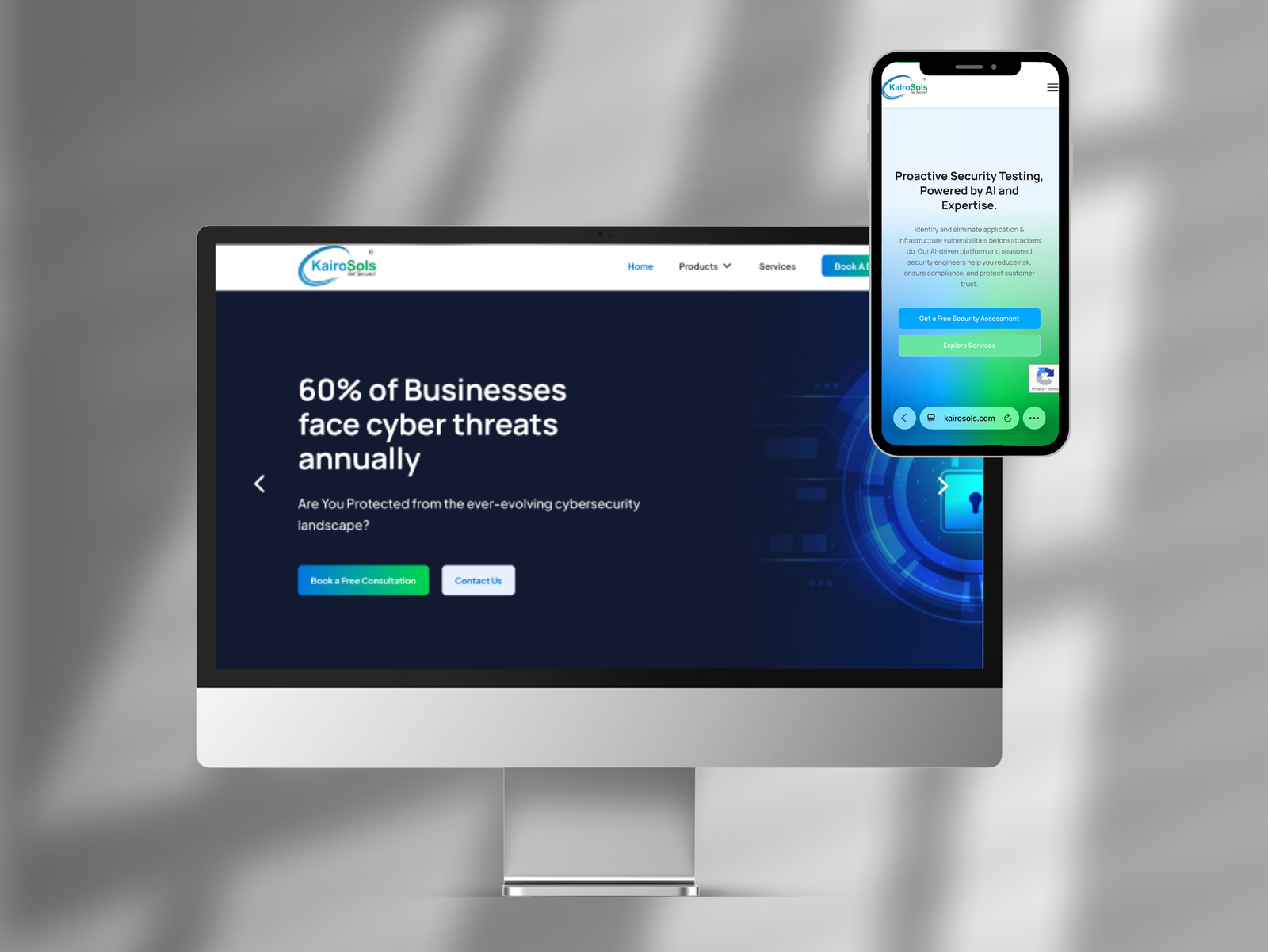
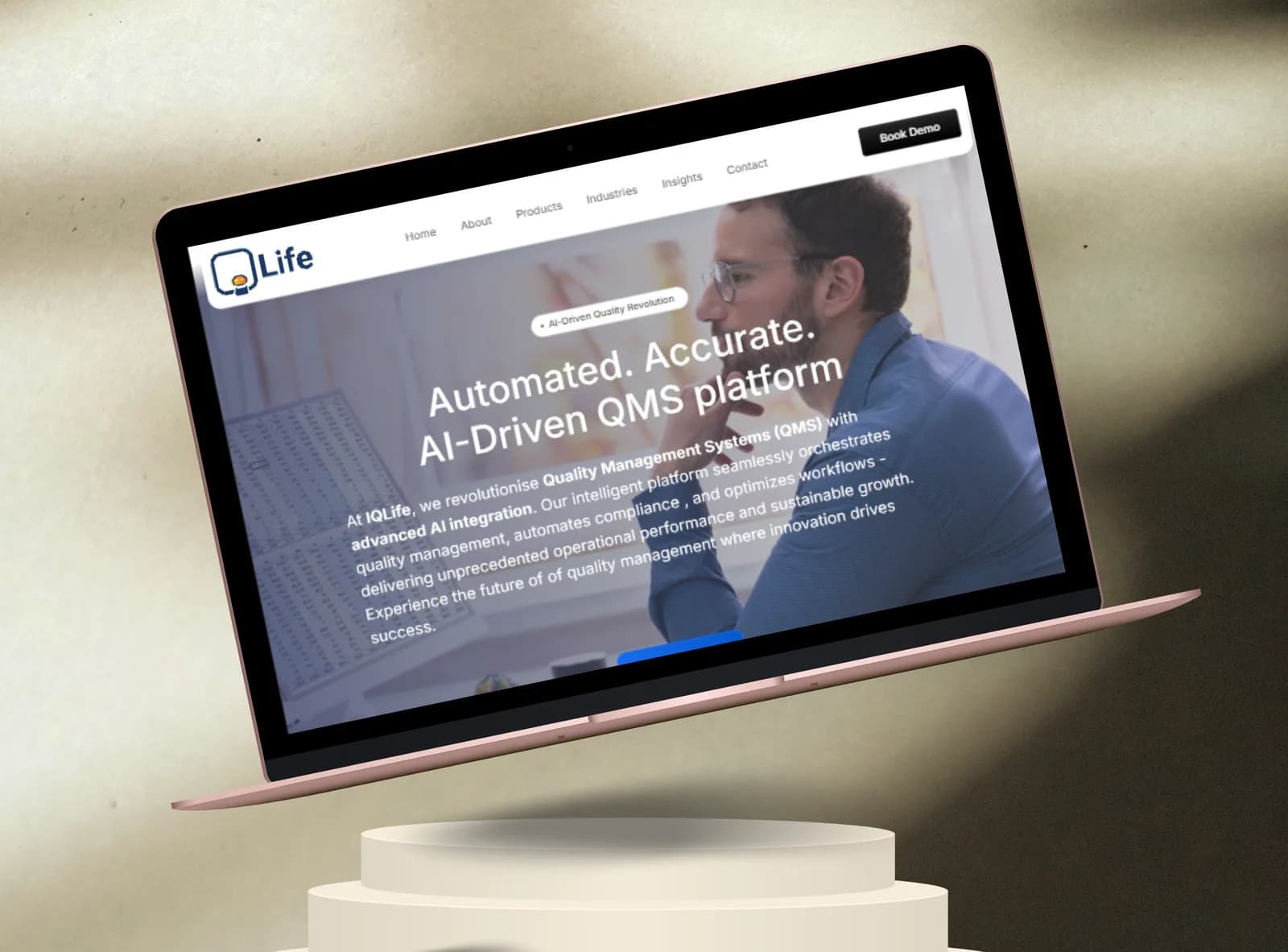
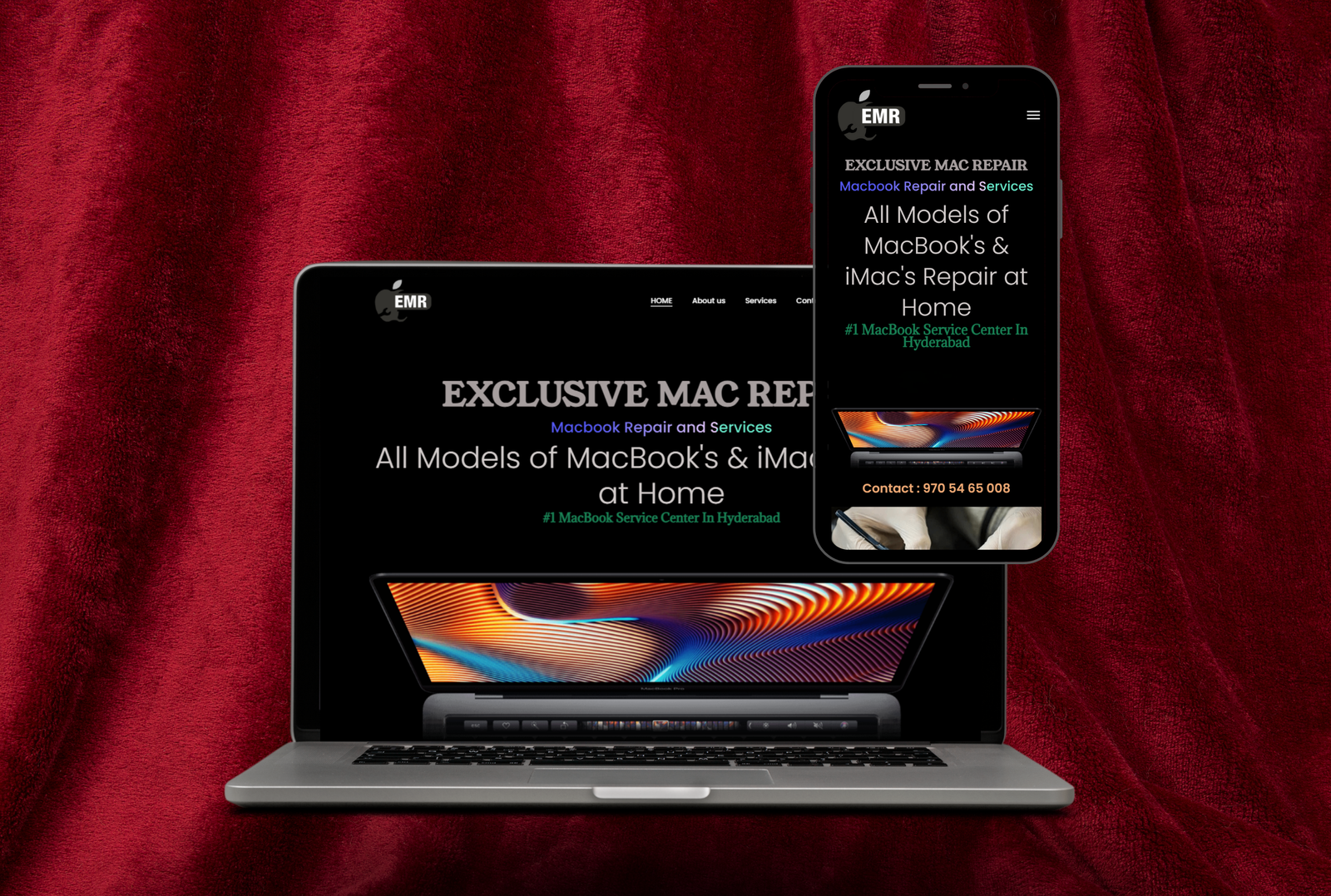
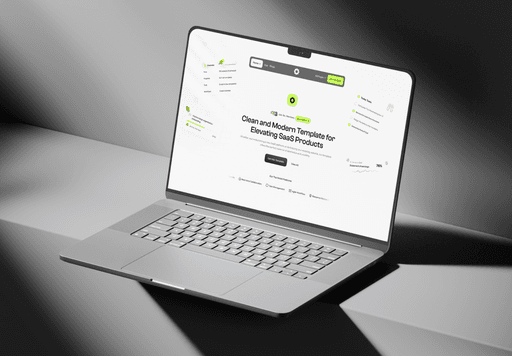
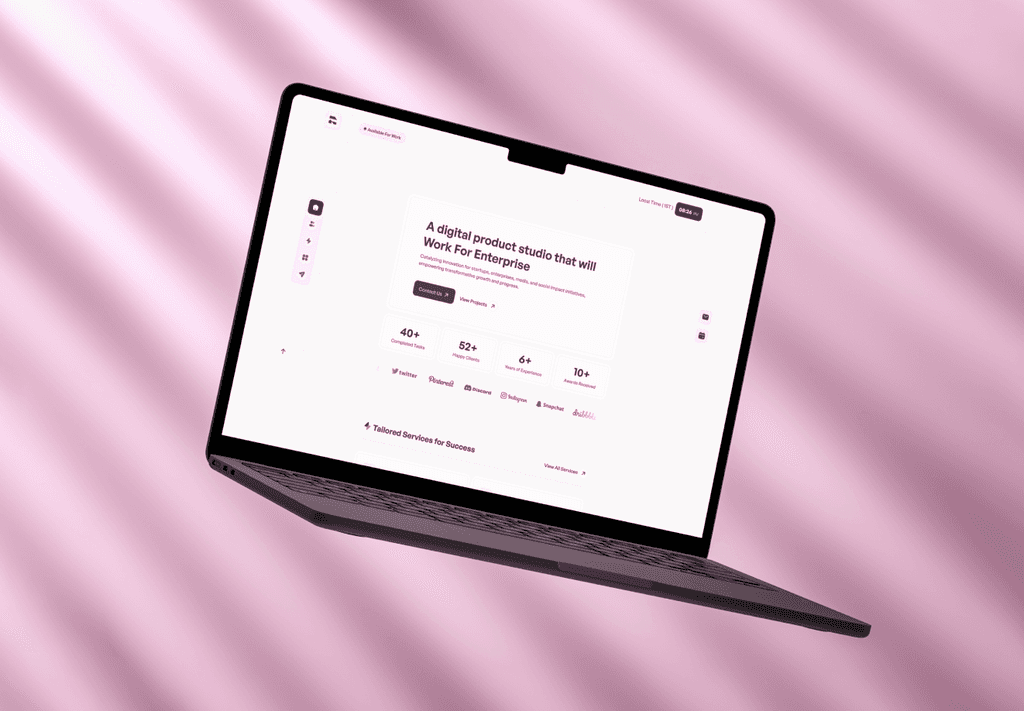
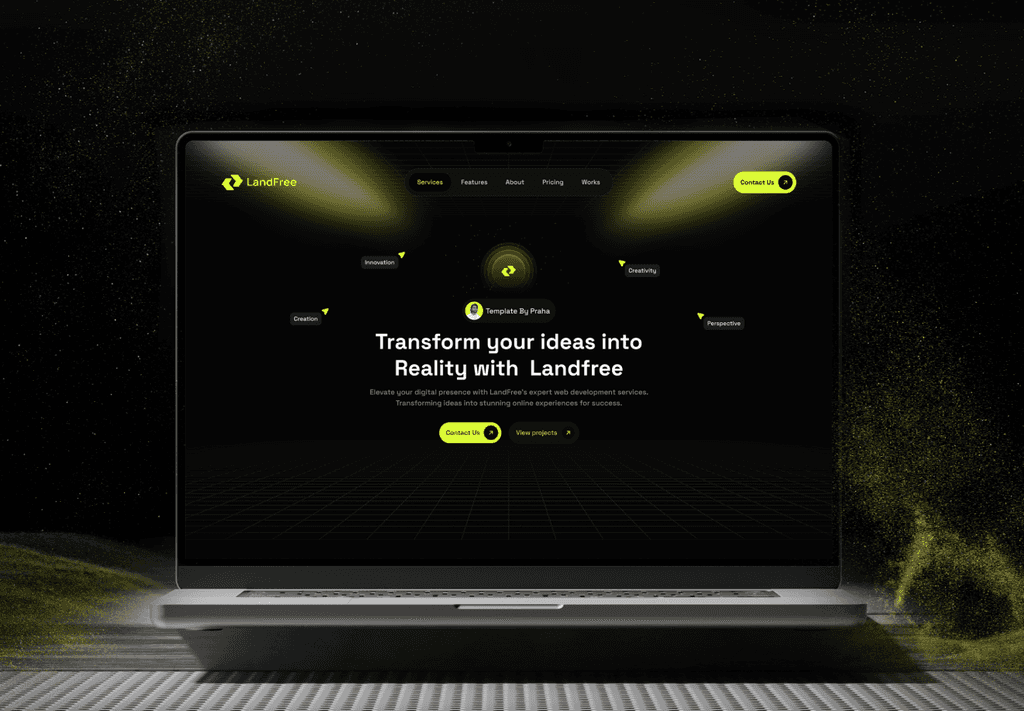
Our Recent Creativity in Action
From tech reviews to gameplay breakdowns — here’s a glimpse of how we turn raw footage.
Common UX Problems
- ✖ Interfaces feel cluttered or confusing
- ✖ Weak visual hierarchy hurts readability
- ✖ Users struggle to find the next step
- ✖ Mobile layouts feel inconsistent
- ✖ Design looks polished but does not convert
Our UI/UX Solution
- ✔ Clear user journeys with strong navigation logic
- ✔ Cleaner screens with better hierarchy and spacing
- ✔ Interfaces aligned with both brand and usability
- ✔ Responsive layouts built for every device
- ✔ Conversion-aware design decisions at every stage